Rescuing a .NET Production Failure Before Changing Code
A production failure is an evidence problem before it is a code problem. A disciplined sequence for diagnosing the system without making the outage longer.
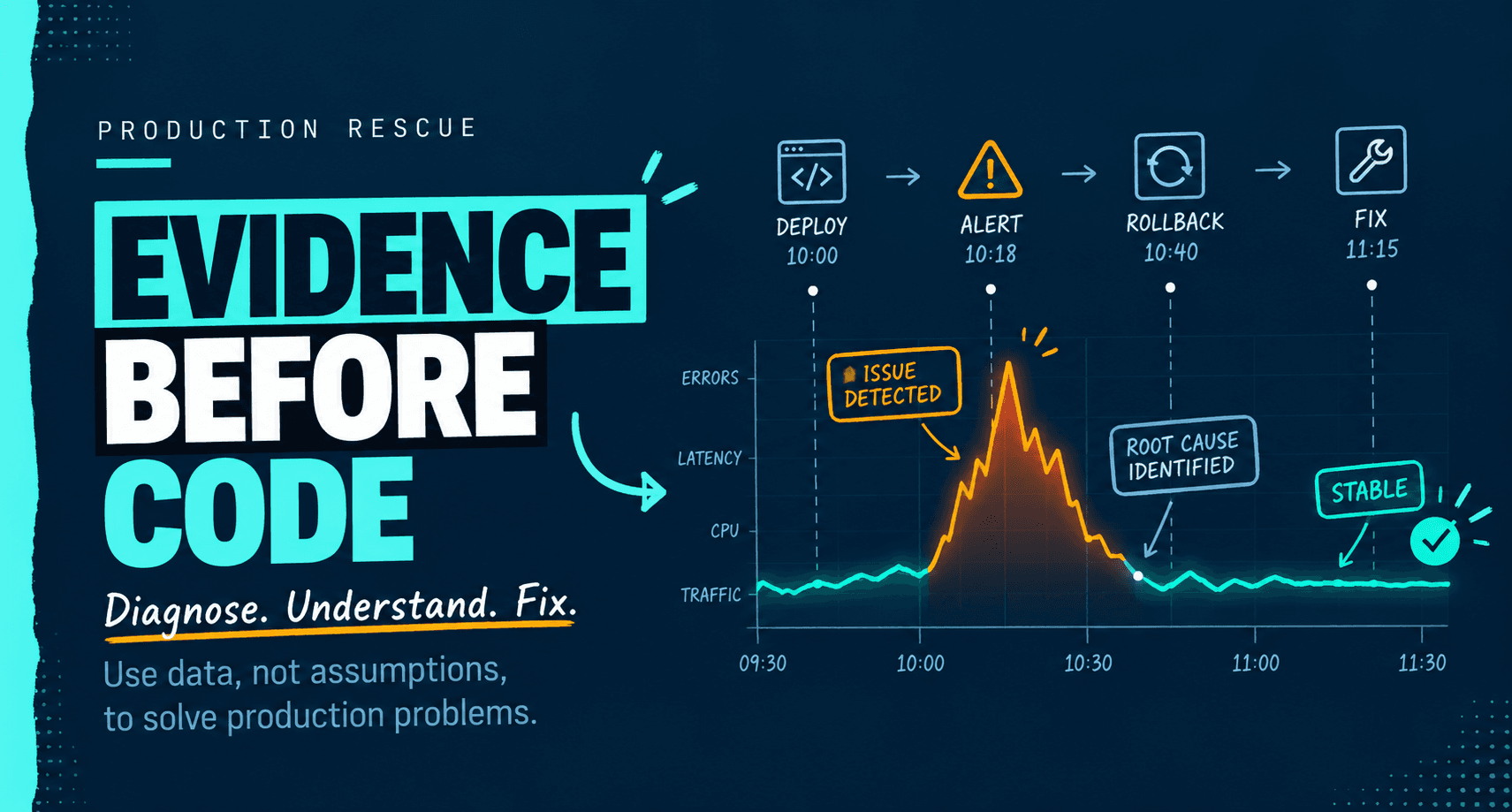
Production is down. The instinct is to open the code and start changing things. That instinct is usually the reason the outage gets longer.
A production failure is an evidence problem before it is a code problem. The system is telling you something, but the signal is buried under noise, assumptions, and the pressure to do something immediately.
Here is the sequence I use.
1. Define the symptom precisely
"The API is slow" is not a symptom. "P95 latency on POST /orders rose from 180 ms to 4.2 seconds at 10:14 UTC, and the queue depth is climbing" is a symptom.
Establish the blast radius. Is it one tenant or all tenants? One endpoint or every endpoint? One region or every region? Did it start at a deployment boundary, a configuration change, a traffic spike, a certificate rotation, or a dependency incident?
The start time matters more than the first error message. Correlate it with everything that changed in the previous few hours.
2. Preserve evidence before you change anything
Capture logs, metrics, traces, thread dumps, memory dumps, SQL Server wait statistics, execution plans, and the state of the queues. If you restart first, you may erase the evidence. Restart only when it is the safest way to restore service, and capture what you can before you do.
3. Form one falsifiable hypothesis
"The thread pool is starved by blocking calls" is a hypothesis you can prove or disprove. "It's probably the database" is not.
Use the evidence to eliminate possibilities. A CPU graph at 15 percent during a timeout storm tells you the problem is not raw compute. A connection pool at its maximum tells you more than a hundred application log lines.
4. Check the usual .NET suspects
- Connection pool exhaustion, often caused by a leaked or long-running connection.
- Thread pool starvation, often caused by sync-over-async calls or blocking I/O.
- SQL Server blocking, deadlocks, or parameter sniffing producing a bad plan for one parameter set.
- GC pauses or memory pressure from large object allocations.
- Retry storms and missing circuit breakers.
- Certificate expiry, DNS changes, or a dependent service degrading quietly.
- Configuration drift between environments.
- A background service that is alive but no longer processing.
- Unobserved exceptions in async code or fire-and-forget tasks.
- Time zone and daylight-saving assumptions in scheduled jobs.
5. Stabilize before fixing
Roll back the last change. Turn off the feature flag. Scale out. Drain the queue. Disable the noisy integration. Add a circuit breaker.
Stabilization is not the fix. It buys time to fix the cause without making the outage worse.
6. Fix the cause and leave evidence
Add a regression test that would have caught the failure. Add an alert on the leading indicator, not just the symptom. Write down the failure mode in a short document. Remove the condition that made it possible.
A common pattern, hypothetical, not a client story
A queue processor stops draining after a deployment. The worker is alive, CPU is low, and there are no obvious errors. The cause is often a blocked thread pool or a deadlock in a shared connection. Restarting the process hides the problem for a while.
The durable fix is to remove the blocking call, bound the concurrency, and alert on queue age rather than only queue depth. Queue depth can look stable while every message is hours old.
Why this matters commercially
A disciplined rescue is usually faster than a rewrite, and it produces evidence you can use to decide whether a rewrite is justified. The alternative, changing code under pressure without a hypothesis, turns one incident into several.
If you are in the middle of a .NET production failure and need an experienced second pair of hands, send me a message with the system, the symptom, and what you have already ruled out.
This was published first as Dispatches from the Workshop.
Subscribe on LinkedIn